| .. | ||
| 1.jpg | ||
| 2.jpg | ||
| 3.jpg | ||
| 4.jpg | ||
| 5.jpg | ||
| 6.jpg | ||
| 7.jpg | ||
| 8.jpg | ||
| 9.jpg | ||
| config.json | ||
| Copy of ComoCortarPlsticoConCNC (1).png | ||
| copy_of_comocortarplasticoconcnc_1.png | ||
| IMG_20210108_144432.jpg | ||
| IMG_20210108_192930.jpg | ||
| IMG_20210108_193019.jpg | ||
| index.mdx | ||
| README.md | ||
| references.md | ||
| resources.md | ||
| Sin ttulo.png | ||
| sin_titulo.png | ||


CNC plastic sheets into products
 In this how to, I will show you our process to cut HDPE Sheets using a X-Carve CNC.
Here is the full video in spanish with subtitles https://www.youtube.com/watch?v=4LrrFz802To
User Location: Mexico City, Mexico
Steps
Step 1: Meassure the plastic sheet
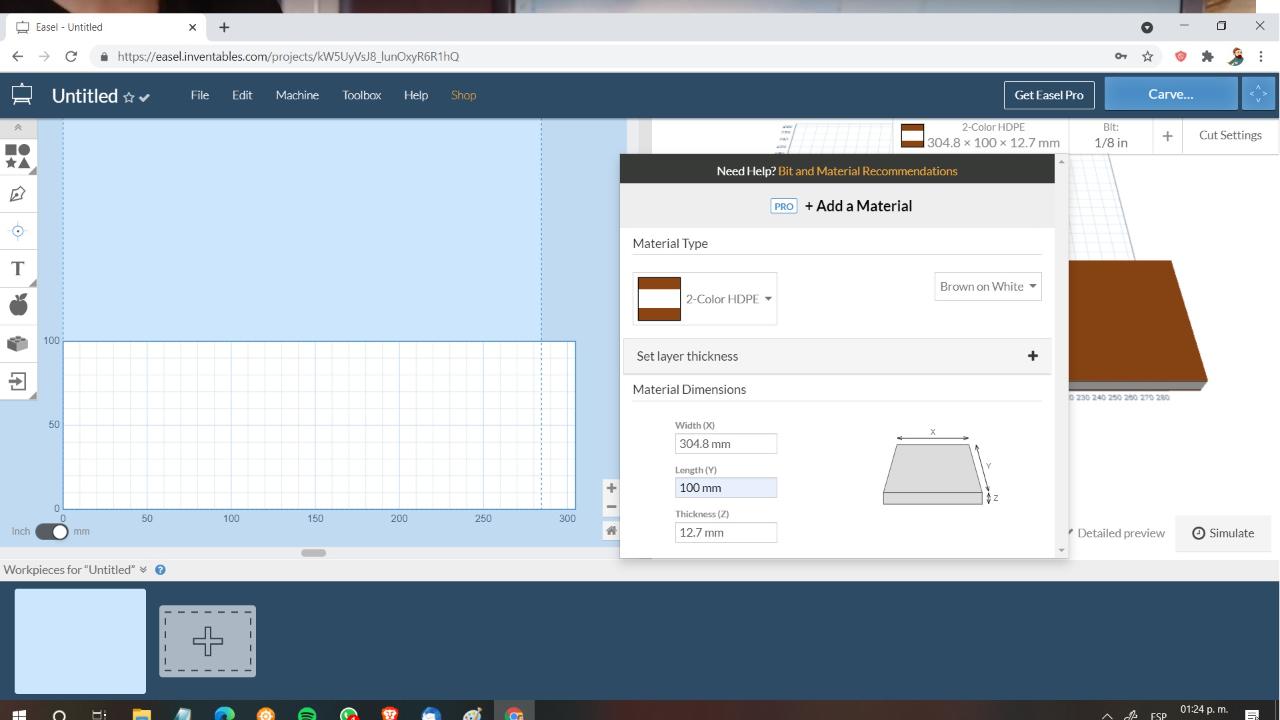
For this step we need to meassure our plastic sheet: Height, Width and Thickness. Our X-Carve machine works with the CAM Software EASEL, for me, the easiest software for CNC milling out there.
The cool thing about Easel (easel.inventables.com: easel.inventables.com/) is that you can "simulate" you actual material and THEY EVEN HAVE HDPE 2-Colors in their cutting material lists!!

Step 2: Secure sheet
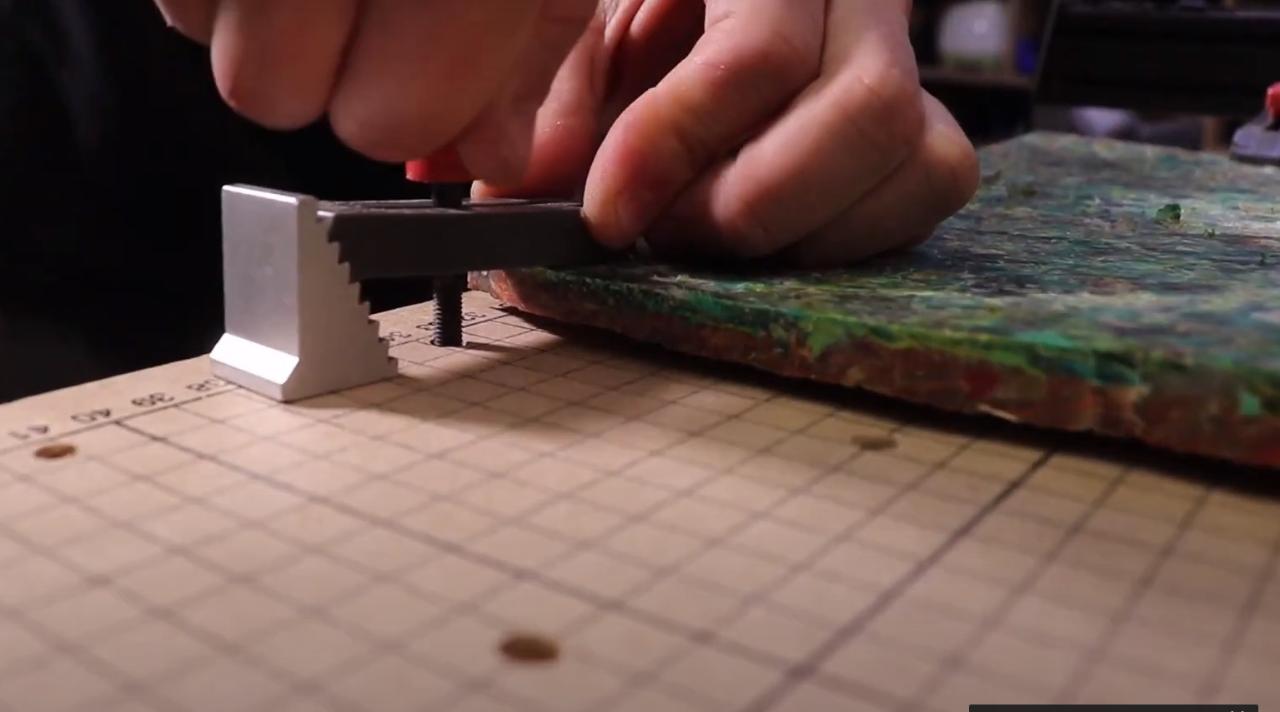
Using the CNC clamps from the X-Carve, secure the sheet to the table,
Step 3: Choosing a file to cut
Now we go to our illustrator, such as Inkscape to design a vector file or download and open source one frome thenounproject.com: thenounproject.com
We download the SVG file, which is an open source vector format and import it to Easel.


Step 4: Follow the cutting Wizzard
Now with the file we can choose the width we want to carve/cut and then we go to cut and start the wizzard:
- We check that the sheet is fixed.
- We also specify the cutting bit, we are using a 1/8 flat flute bit.
- We tell the machine where the coordinate 0-0 is, which we always choose as the down left corner.
- We raise the bit, turn on the CNC Router!!!
AND PUM THE MAGIC BEGINS!!


Step 5: Cutting HDPE vs other material
Normaly we cut wood, acrylic and aluminum in the CNC. Moving to plastic wasn't hard at all, it's impressing how easy the CNC Router cuts through HDPE. It's quicker than cutting wood and 10 times than aluminum.
The main problem we have with the HDPE sheets is that we don't always have even surfaces, because of our sheet making process, resulting in uneven cuts and engravings.
That's why we sometimes do a first pass with the CNC Router "cleaning" the surface of the sheet and trying to mill an even surface.


Step 6: Post-production and show case
You take now your glasses or object and postprocess them and of course show it to your friends, family and so on.

