1.9 KiB
| title | slug | description | tags | category | difficulty | time | keywords | location | ||||
|---|---|---|---|---|---|---|---|---|---|---|---|---|
| Create a Sports Medal with Clear Acrilic Inlay | create-a-sports-medal-with-clear-acrilic-inlay | Create stylish injection molded medals with engraved acrylic inlays. In our case we used PP for the plastic and 3mm clear acrylic off-cuts. |
|
Products | Medium | < 5 hours | Kiambu, Kenya |
Create a Sports Medal with Clear Acrilic Inlay
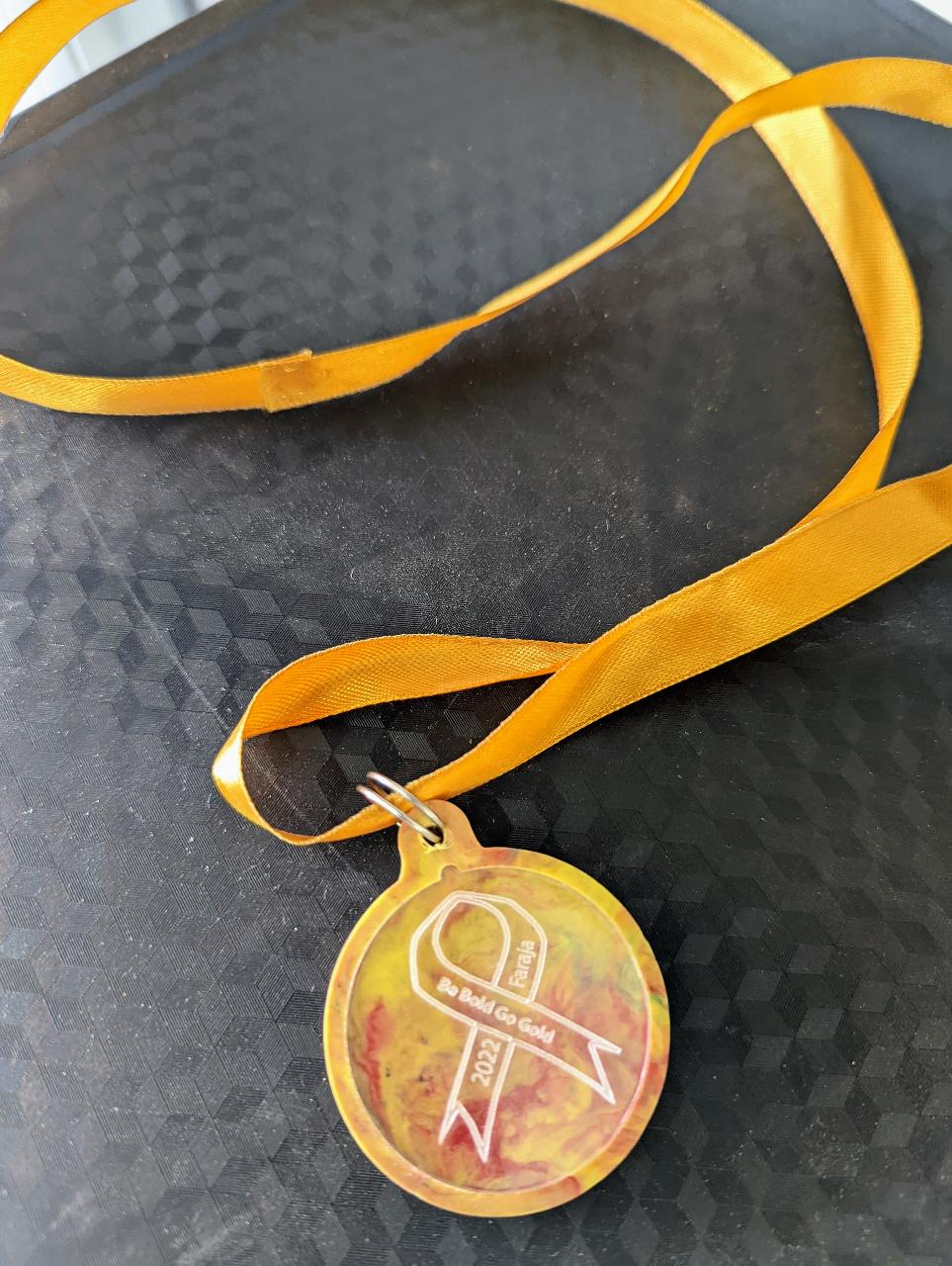
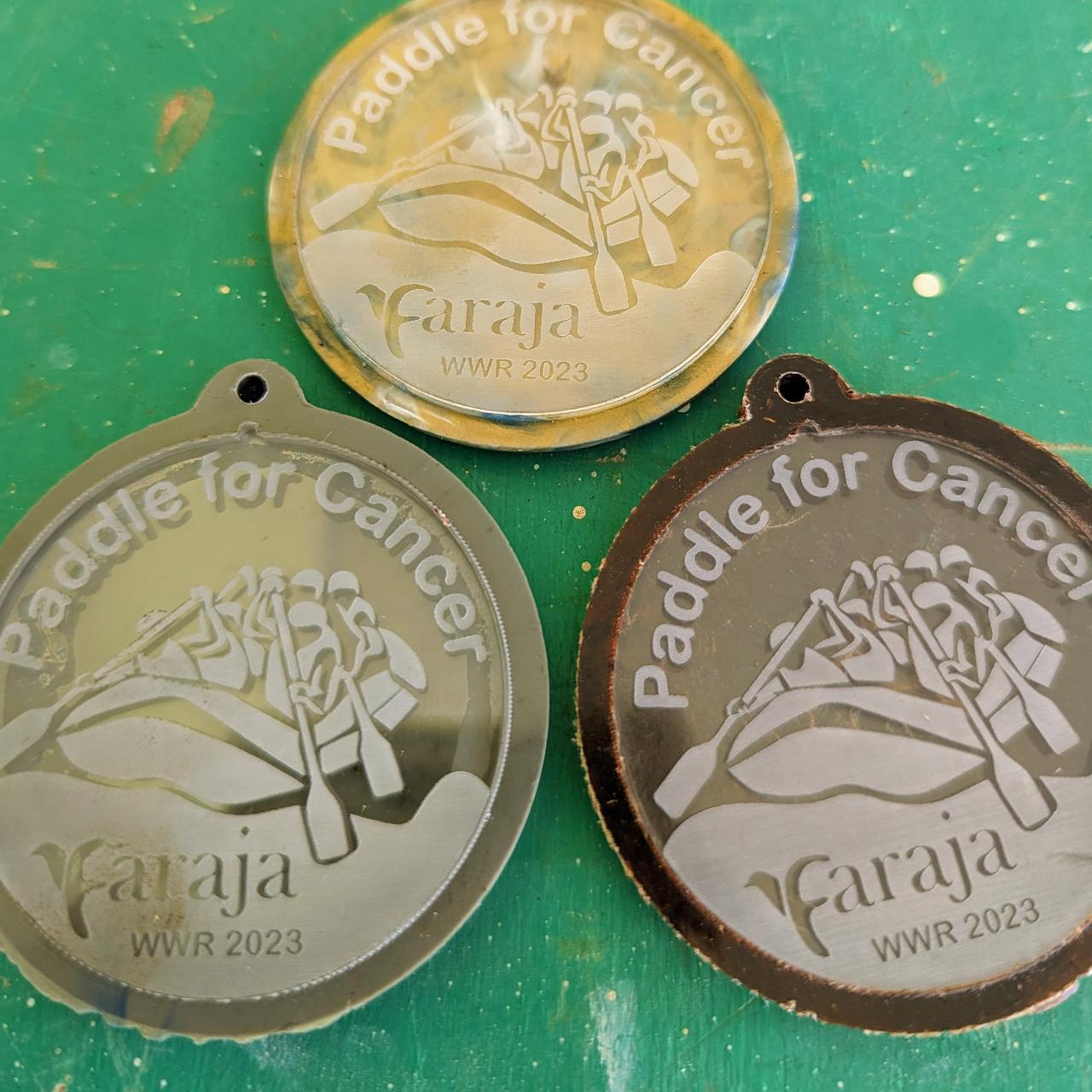
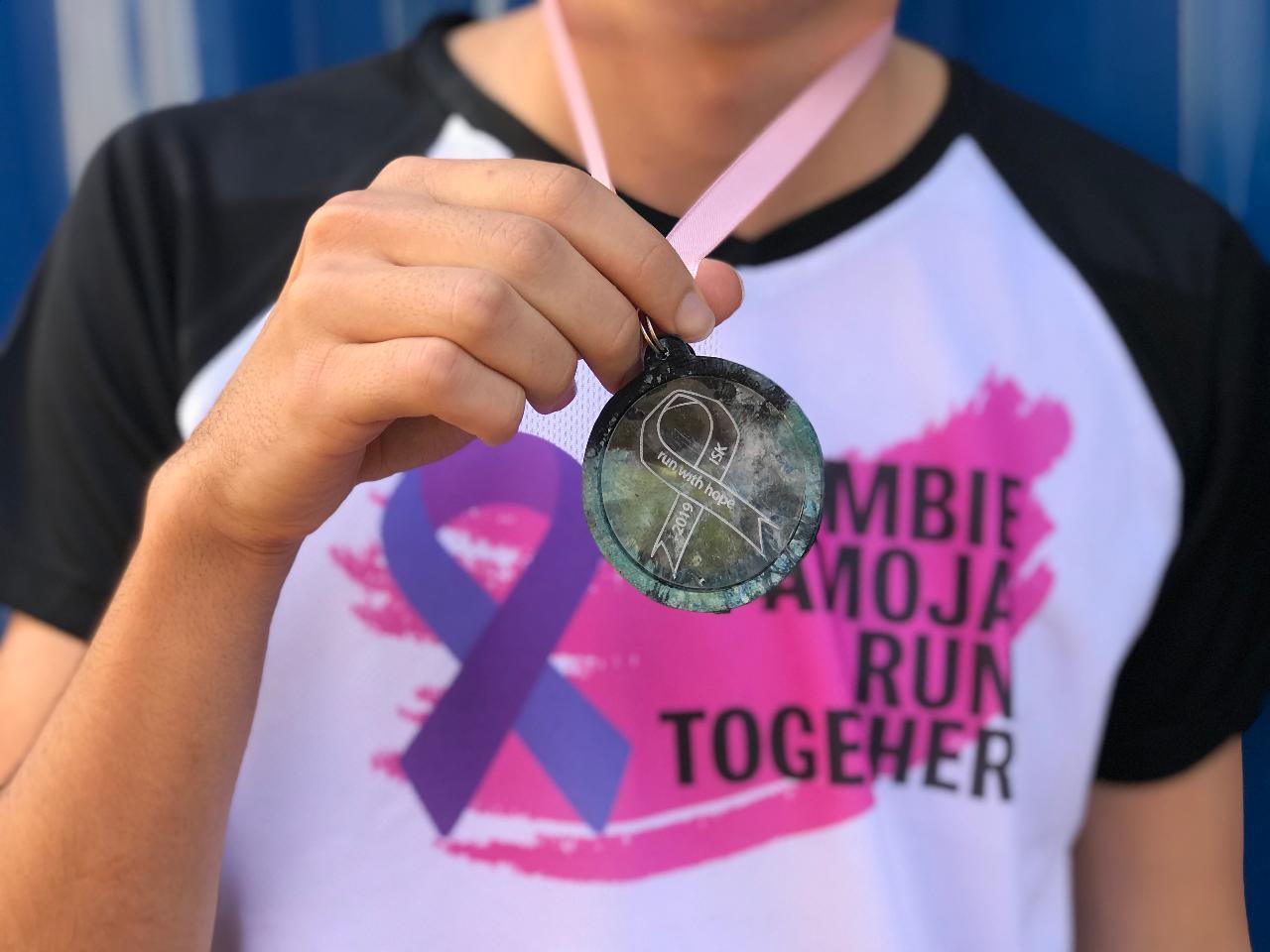 Create stylish injection molded medals with engraved acrylic inlays. In our case we used PP for the plastic and 3mm clear acrylic off-cuts.
User Location: Kiambu, Kenya
Steps
Step 1: Create mold designs using 2D CAD program
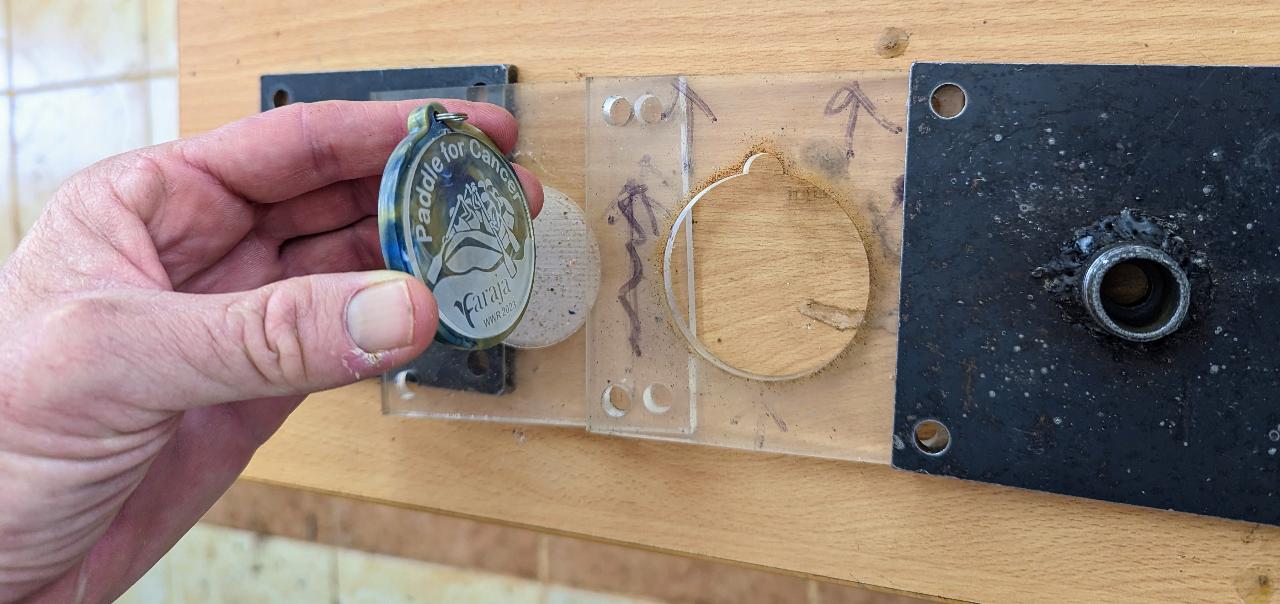
We used Adobe Illustrator. Create a design for the acrylic inlay, one for the logo outline, and one for the pocket into which we will place the acrylic inlay. Make sure to include a small extension indicator (see photo) to your pocket and acrilic inlay to help the correct orientation of the logo within the mold

Step 2: Stack the molds in the correct order.
Place the engraved acrilic logo inlay into the pocket mold then place the medal outline mold on top. Put this stack between the top and bottom steel molds which connect to injection machine.
Step 3: Inject, attach ring and ribbon
Inject the plactic into the mold. In our case we used gray pp flakes for the silver medal. Remove the injected product. Drill a hole, attach a ring and a ribbon of choice. Done!